
Works with your existing device
LAN ZKTeco terminals connect through a licensed Windows agent. No hardware purchase, no reflashing, existing enrolments stay valid.
A ZKTeco device records punches well. It cannot tell payroll who was late, cannot deduct approved leave and cannot understand a night shift. Flowwkkr is the layer that turns those punches into attendance you can pay from, on the devices you already own.
Explore the product area in more detail and see how it fits into the wider Flowwkkr HR workspace.
LAN ZKTeco terminals connect through a licensed Windows agent. No hardware purchase, no reflashing, existing enrolments stay valid.
Device User IDs map to employee records in bulk, so a punch lands on the right person rather than a number.
Approved leave removes the absence, which is the error that otherwise costs real money every month.
Attendance is calculated against the rostered shift, so a shift crossing midnight stays one working day.
A punch relayed twice is counted once, so retried syncs never inflate hours or overtime.
Every calculated record traces back to the device record it came from, which is what makes it defensible.
A ZKTeco device is a recording device, not a management system. It stores punches and shows a name on a screen, and on its own it cannot tell payroll who was late, cannot deduct approved leave, and cannot produce a monthly register. ZKTeco attendance software is the layer that turns those punches into attendance you can pay from. Flowwkkr is that layer, and it works with the devices most Pakistani businesses already own.
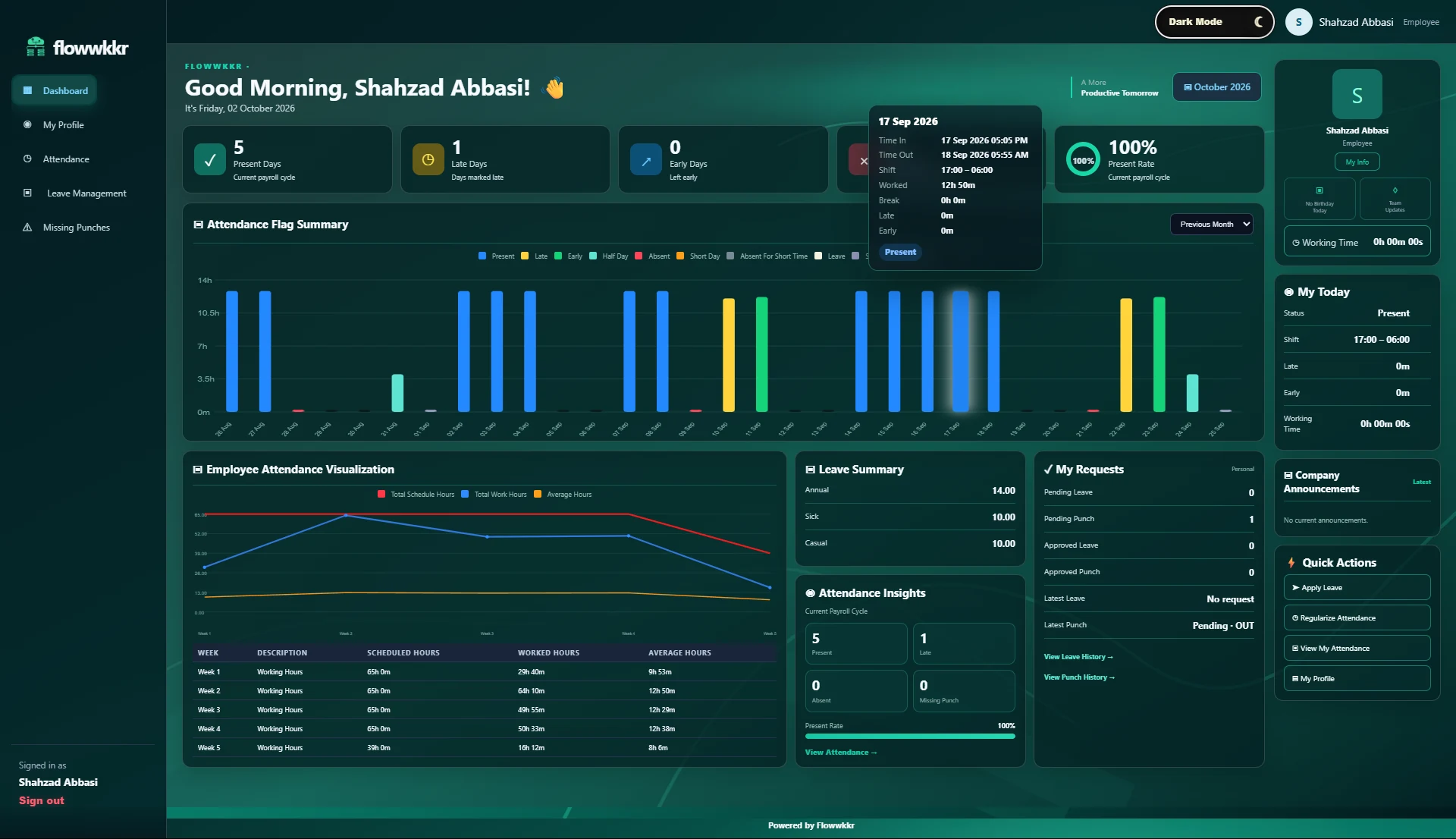
ZKTeco manufactures some of the most widely deployed biometric terminals in the world, and the hardware is genuinely good at its one job: capturing an identity and a timestamp reliably and cheaply. A standalone terminal will keep accurate records for years.
The gap is what happens next. On its own, a terminal cannot know that an approved leave day should not be an absence, cannot apply your grace period, cannot understand a night shift that runs past midnight, and cannot tell your payroll system anything. It is a very good filing cabinet. Flowwkkr is the system that reads the filing cabinet.
| Capability | Standalone ZKTeco device | With ZKTeco attendance software |
|---|---|---|
| Capture fingerprint or face punch | Yes | Yes |
| Store records on device | Yes | Yes |
| Match punch to a person | By device User ID only | By mapped employee record, including department |
| Deduct approved leave | No | Yes, automatically |
| Apply grace periods and shift rules | Basic | Per shift, with overnight logic |
| Night shift crossing midnight | Reports as two days | One shift, one attendance record |
| Feed payroll figures | No | Yes, structured data |
| Duplicate punch protection | Varies by model | Always |
| Auditable back to raw punch | No | Yes |
Flowwkkr uses a licensed Windows agent installed on a machine inside your office network. The agent talks to your ZKTeco terminal over the LAN, pulls the punch records, and relays them to your Flowwkkr workspace.
Your device is not modified, reflashed or replaced. It keeps working exactly as it does today, including on its own screen, and your existing enrolments stay valid.
A ZKTeco device identifies people by a numeric User ID. Until that ID points at an employee record, punches are anonymous numbers. Most integration failures are mapping failures, and they are easy to prevent with a bulk import rather than a long manual session.
Enrol a consistent numbering scheme — for example department prefix plus sequence — before you enrol staff, because retrofitting a scheme across an already-populated device is painful.
There are three practical routes, and the honest comparison matters more than the feature list.
| Option | Strengths | Weaknesses | Best when |
|---|---|---|---|
| ZKTeco's own software | Familiar, pre-installed, pairs directly with the device | Separate database from your HR system; duplicate entry into payroll | You only need attendance and nothing else |
| Export to Excel, analyse in HR | No new software at all | Manual every month, breaks with night shifts, no leave integration | Very small teams, temporary |
| Flowwkkr via licensed agent | One record drives attendance, leave and payroll; shift-aware; audited | Requires employee records to exist and be mapped | You want attendance to be payroll-ready |
Three questions decide whether an integration will work, and all three are answerable in a five-minute call with the model number in front of you.
ZKTeco attendance software is the management layer that sits between a ZKTeco biometric terminal and your HR or payroll system. The device captures punches; the software matches them to employees, applies your shift and leave rules, and produces attendance records that can be paid from.
No. The device keeps its own software and continues to work exactly as it does now, including on its own display. Flowwkkr reads the records over the network; it does not take the device over.
If it is a LAN/TCP-IP ZKTeco terminal, in most cases yes. Bring the model number and the device IP to a demo and we will confirm compatibility for your exact unit before you commit.
Yes. Nothing about the device or its own software is changed. Flowwkkr runs alongside them, reading from the device over the network.
Device count is included per plan, from two devices on the 30-user plan up to six on the 100+ plan. Multiple devices at separate locations can be covered by additional sync agents.
Bring your device model, shift pattern and employee count. We will confirm fit on a private 2-hour demo.
Request a private 2-hour live demo and explore the HR workflow.